
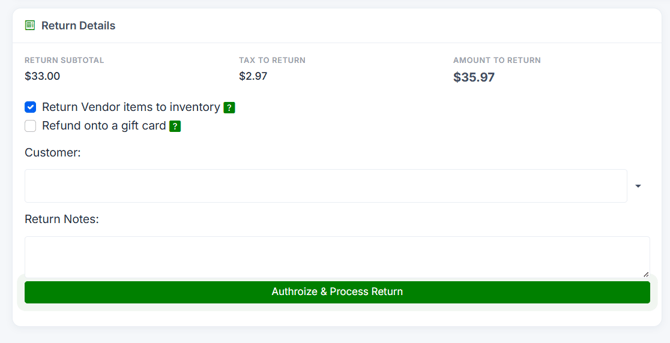
Only if you tick Return to Inventory on the Return page - then the returned quantities are added back and the items can be sold again.
Who this is for: Cashier, Store admin
These steps use the New Experience. If your menu looks different, click Switch to New Experience at the top of the page.
Steps
- Start the return: Sales > Transactions, find the sale, press View, then Open transaction, and press Cash Return or Credit Return.
- On the Return page, tick Return to Inventory.
- Finish the return. The returned items' quantities go back up in inventory, so they are available for sale again.
Things to know
- Leave Return to Inventory unticked if the items are damaged or can't be resold. They won't be added back.
- To see items that have already been returned and where they go, use Sales > Cashier Tools > Returned items.
