
To quickly assign the same value to all variants for a specific property:
-
Select the property you want to set from the Bulk Edit All Variants menu (e.g., Price, Cost, Weight).
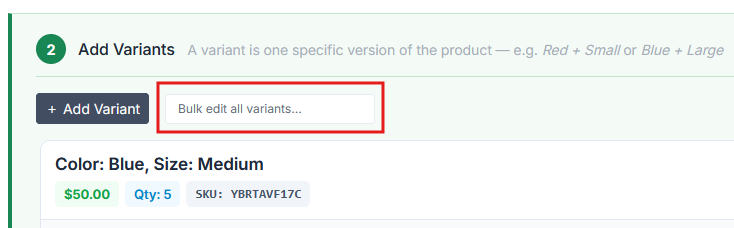
-
Type the value you want to assign to all variants.
-
Press "Okay."
All variants will be updated with the entered value. You can still edit individual variants afterward if needed.