
During a return transaction:
Check the "Return to Inventory" checkbox on the Return page.
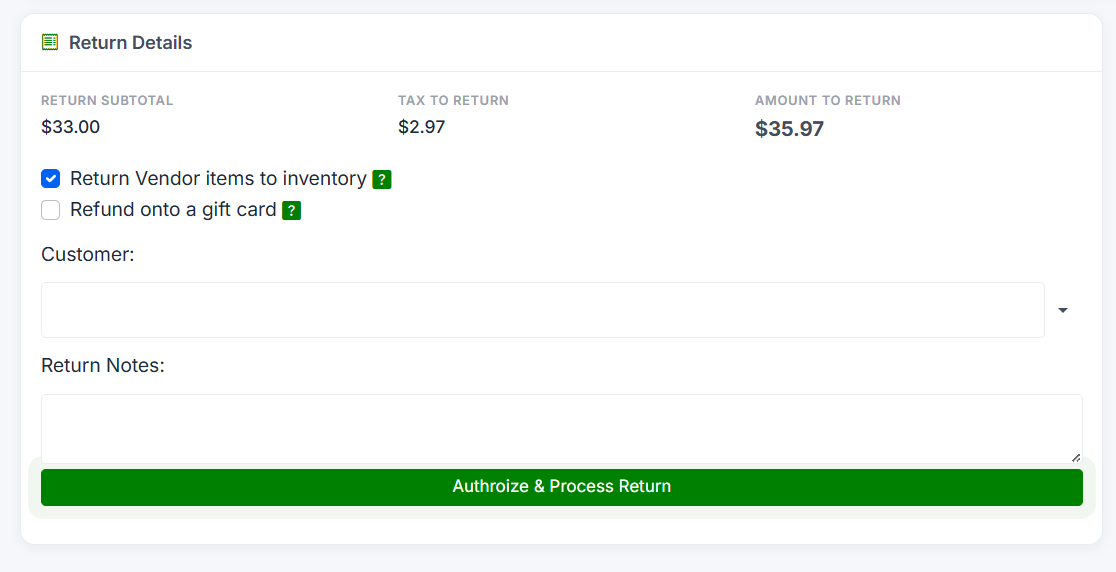
When the return is completed, the returned items' quantities will be automatically incremented back in the inventory system, making them available for sale again.
If you leave this unchecked, the items will not be added back to inventory (useful if the items are damaged or cannot be resold).
