
Push notifications are system-level alerts that appear on your device, even when you're not actively using Syncrostore.
How to Enable Push Notifications:
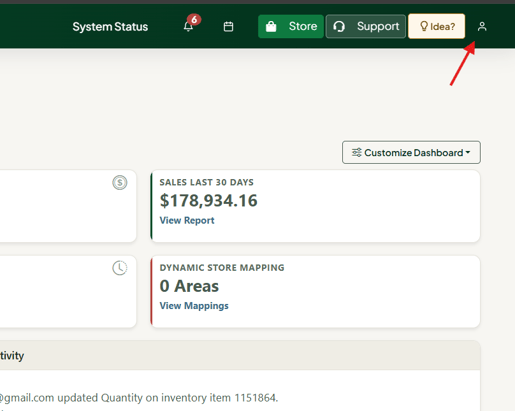
- Click the User Icon at the top of the screen and select "Profile."
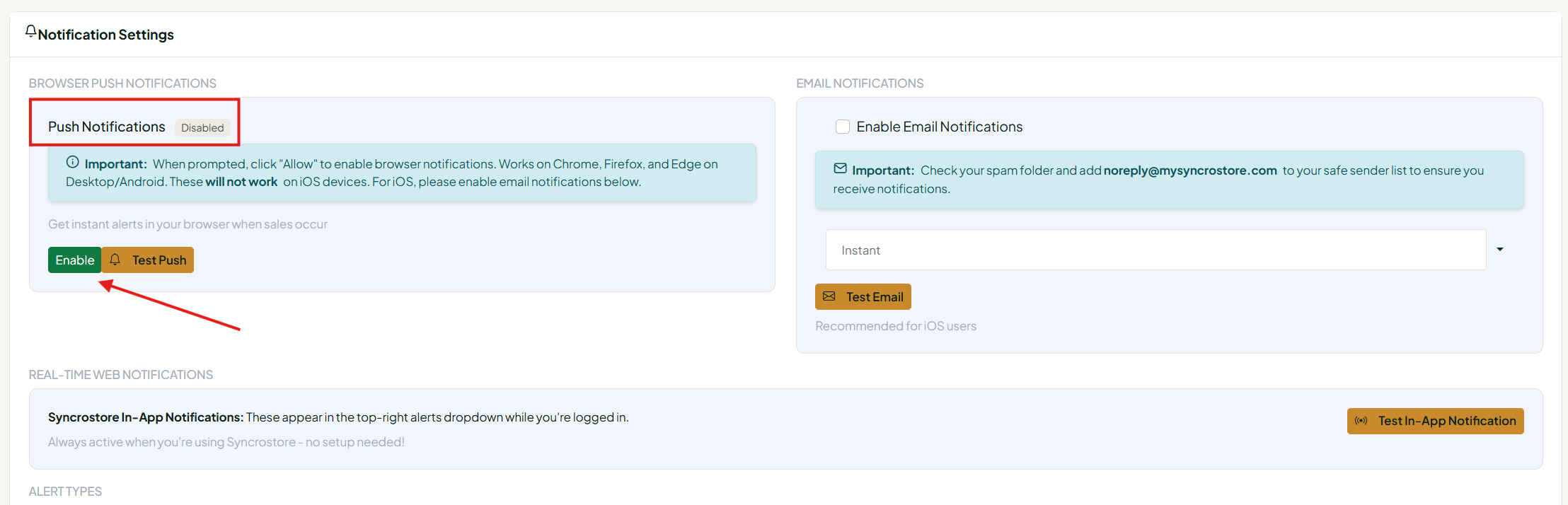
- Scroll to the "Notification" settings section.
- Toggle Push Notifications to enabled.
- Press "Save Notification Settings."

Important: Push notifications are available on Windows and Android devices. They are not currently available for Apple devices.
