
Yes. Syncrostore has a mobile app for iPhone and Android. You log in with the same email and password you use on the website. The app is good for checking your dashboard and entering inventory with photos, but printing labels and deleting items need the website on a computer.
Who this is for: Vendor, Cashier, Store admin
Download and sign in
- Search for Syncrostore in the Apple App Store or Google Play Store.
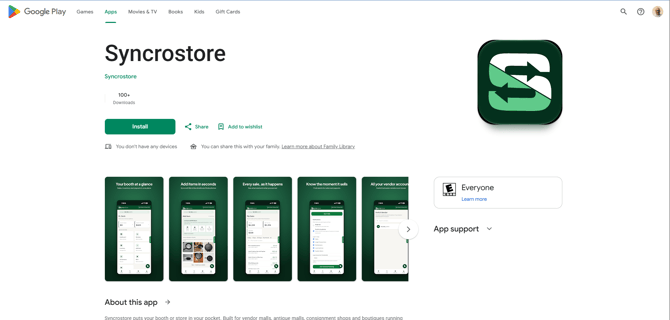
- Open the app and sign in with your Syncrostore email and password.
- The first time, the app may ask you to sign in a second time as it sends you to your store's own sign-in page. This is expected. After that it remembers your store.
What the app can and can't do
| You can | You need a computer (web browser) to |
|---|---|
| View your dashboard and reports | Print labels |
| Enter inventory | Delete items |
| Upload item photos (Add Item screen) | Mark items as printed or not printed |
| Clock in and out (staff only: Cashiers, Managers, Admins) | Set up Stripe direct deposit |
| Set up SyncroPay/SyncroACH direct deposit (Profile > Direct Deposit) |
The full website is the source of truth. If something looks different in the app, check the website. The desktop version of the site doesn't open on phones. Use the app or the mobile website instead.
Troubleshooting
- The app makes me log in every time. Since August 2026 the app keeps you signed in for up to 30 days. If it still asks every time, update the app, sign out, and sign in once more at your store's address.
- I can't find the app. Search for Syncrostore in the App Store or Google Play. If you still can't get it, use your store's address,
https://<yourstore>.mysyncrostore.com, in a browser. - The app won't open or keeps kicking me out. Update the app, then try logging in at your store's address in a browser. If the browser works, report the app problem to support.
- The app still uses my old email. Your store must update your email. Then sign out of the app and sign in with the new one.
