
NOTE: This page is for viewing already returned items. Navigate to the Transactions page to begin a new return
-
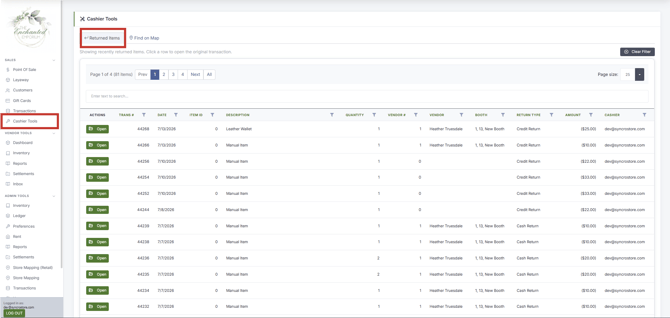
Navigate to Cashier Tools
-
Navigate to the Returned Items Tab
-
Returned items are sorted from most recent to least, with each row being a returned item
-
To find a particular item, simply enter the item ID or Description in the search bar

- Click Open to be taken to the Transaction Details page, to view information about the return

