
Go to Sales > Customers, press View on the customer, and open the Purchases tab.
Who this is for: Cashier, Store admin
These steps use the New Experience. If your menu looks different, click Switch to New Experience at the top of the page.
Steps
- Go to Sales > Customers and search for the customer.
- Press View on their row.
- Open the Purchases tab to see their past transactions.
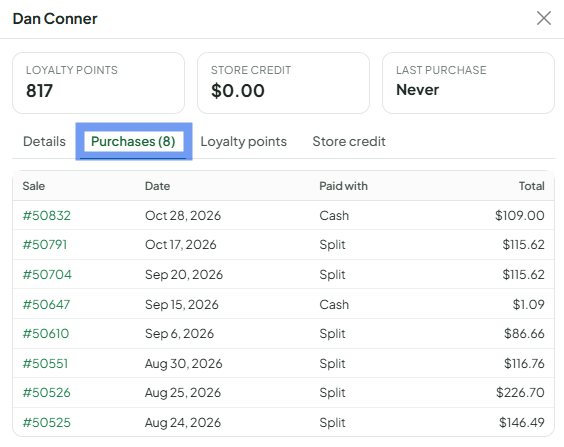
- To see the items on a sale, look it up in Sales > Transactions (search by the transaction number or the customer's name) and press View.
Things to know
- The Last purchase column on the Customers list shows when they last bought something.
- Only sales where the customer was attached at the register appear here.
