
Go to your store's own login page (https://<yourstore>.mysyncrostore.com/Account/UserLogin), click Forgot password, enter your email, and follow the reset link in the email you receive.
Who this is for: Vendor, Cashier, Store admin
Steps
- Open your store's login page:
https://<yourstore>.mysyncrostore.com/Account/UserLogin. The reset page is athttps://<yourstore>.mysyncrostore.com/Account/ForgotPassword. Don't use the support site or a generic Syncrostore page, because they won't find your account. - Click Forgot password.
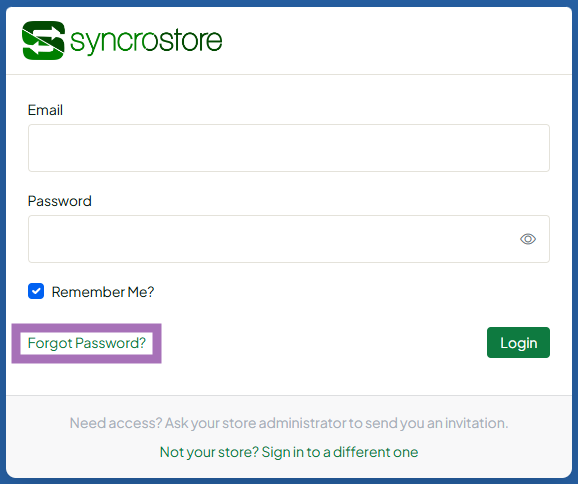
- Enter the email address you log in with and submit.
- Open the reset email. Check spam and junk too. Click the link and enter your new password.
- Log back in on your store's login page with the new password.
If you're already signed in and just want a new password, click your avatar, choose Settings, and use Change password under My Account.
Troubleshooting
- The link in the reset email isn't clickable. Copy the link and paste it into your browser's address bar. If it has expired, request a new one.
- "Account doesn't exist" or "not confirmed" when you reset, but signing up says the account already exists. Your account was created but never confirmed, or you're on the wrong store's page. Use your store's address. If it still fails, ask your store admin to resend your invite or mark your email as confirmed in People > Users.
- You sell or work at several stores. Each store has its own login. Reset the password on the login page of the store you can't get into.
- No reset email arrives. Make sure you're on your store's page (not support.syncrostore.com) and check spam. Ask your store admin to check that the email on your account is correct.
- Support can't see or set your password. Never send your password to anyone, including support.
