
Pick the right printer in 30 seconds
Answer 2 or 3 quick questions. We'll recommend the best Syncrostore-supported printer for how your store works.
What size labels do you mostly print?
How many tags do you print on a busy day?
Will any of your vendors need to print from home or somewhere else?
How do you want the label roll mounted?
iDPRT SP310
The budget pick for small-format printing. Plenty fast for most stores, easy to set up, and the cheapest of our six supported printers.
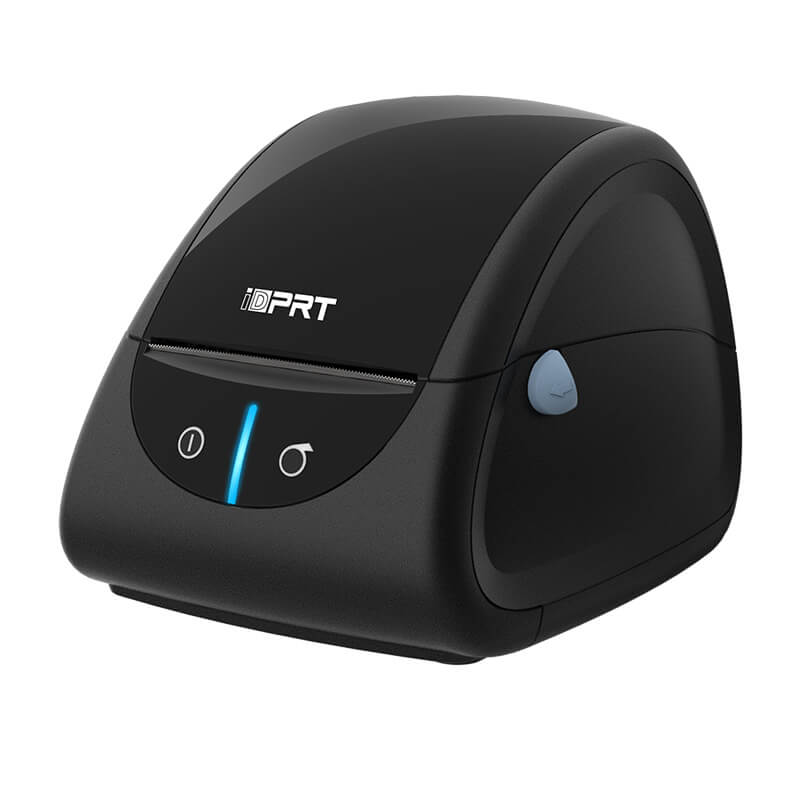
- You print small labels (1-3 inches) — barcodes, price tags, jewelry tags
- Volume is under 200 tags per day — the SP310 handles this with room to spare
- USB connection is fine since printing happens at the store
- Lowest price point of any printer we support
iDPRT SP320
The faster, sturdier sibling of the SP310. Same footprint, same label range, but built to handle high-volume printing day in and day out.
- You print small labels (1-3 inches)
- 200+ tags per day — the SP320's faster speed (152 mm/s vs 127 mm/s) saves real time
- Sturdier internal build holds up to daily heavy use
- USB connection works for in-store printing
iDPRT SP410
The 4-inch workhorse. Handles 4x6 shipping labels and big hang tags at a USB-only price. Best if you don't need Bluetooth and like seeing how many labels are left.
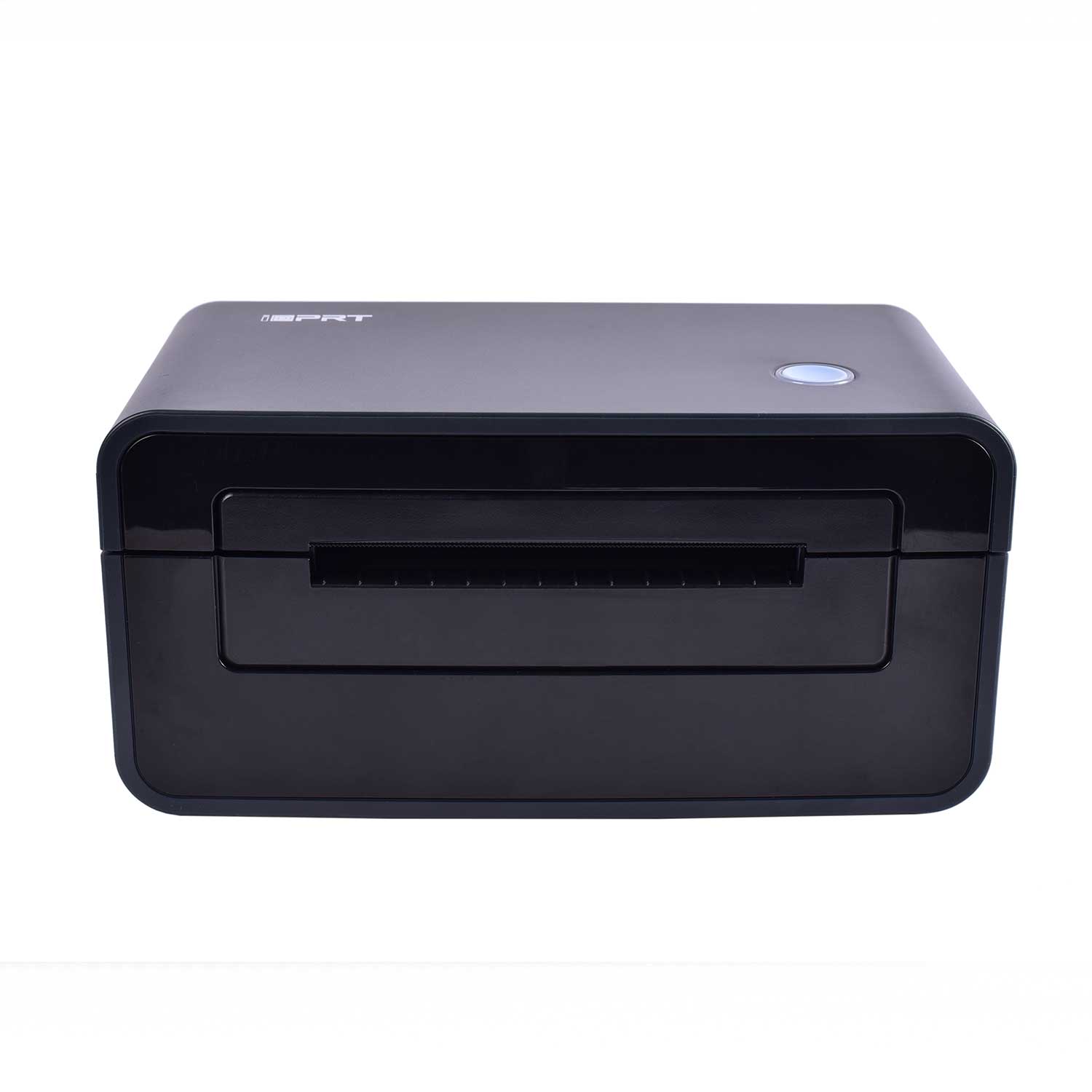
- You print larger labels (up to 4.25 inches) — shipping labels, big hang tags
- USB-only saves money over the Bluetooth version
- External label roll holder makes it easy to spot when you're running low
- Same print speed and quality as the BT version
iDPRT SP410BT
Our most popular pick. 4-inch printing for shipping labels and big hang tags, plus Bluetooth so vendors can pair from home or a laptop anywhere in the store.
- You print larger labels (up to 4.25 inches)
- Vendors need to print from home or somewhere away from the store — Bluetooth makes this work
- External label roll holder — easy to see when you're low
- The flagship pick when you want flexibility without going top of the line
iDPRT SP420
The clean-counter pick. Same 4-inch printing as the SP410 but with the label roll tucked inside an enclosed housing. Nothing sticking out the back.
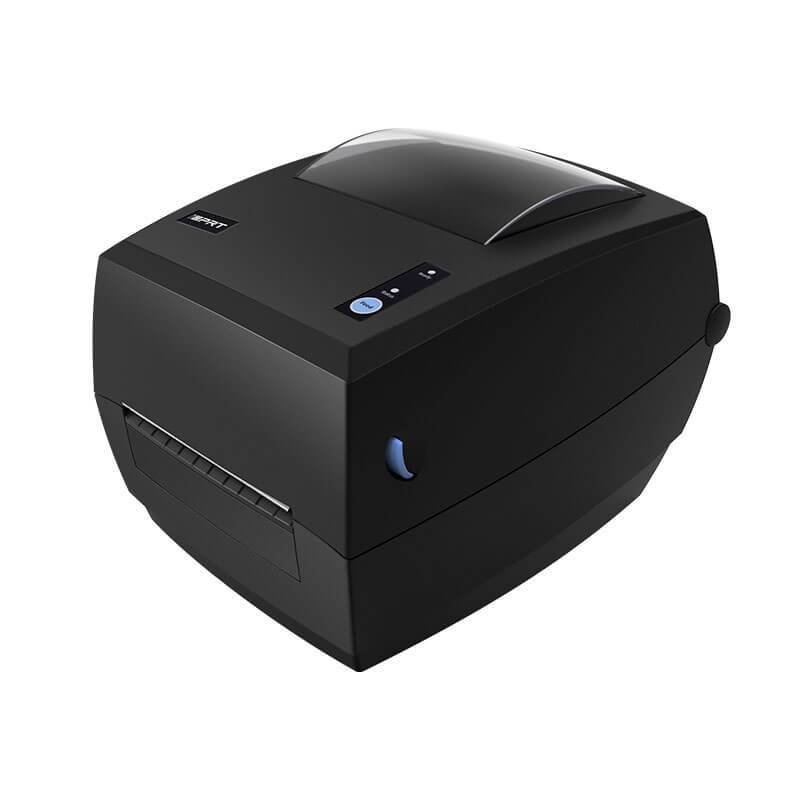
- You print larger labels (up to 4.25 inches)
- USB-only is fine for your in-store setup
- Enclosed label roll — cleaner counter look, dust protection (great for antique malls)
- Best if customers see the printer at the counter
iDPRT SP420BT
Top of the line. Enclosed label roll, 4-inch printing, plus Bluetooth. The do-everything pick when you want one printer to handle every situation cleanly.
- You print larger labels (up to 4.25 inches)
- Vendors need to print from home or away from the store — Bluetooth handles it
- Enclosed label roll — cleanest possible counter setup, dust-protected
- The premium pick when you want maximum flexibility
All 6 supported printers
Prefer to browse instead of taking the quiz? Here are all six. Each link goes to a full setup guide.
Compare all 6 printers
Side-by-side specs for the entire family. Click any model to see the full setup guide.
| Model | Label width | Print speed | Connection | Roll style | Best for |
|---|---|---|---|---|---|
| SP310 | 1"–3.15" | 127 mm/s | USB | Enclosed | Budget pick, small labels |
| SP320 | 1"–3.15" | 152 mm/s | USB | Enclosed | High-volume small labels |
| SP410 | 2"–4.25" | 150 mm/s | USB | Enclosed | 4" workhorse, USB-only |
| SP410BT | 2"–4.25" | 150 mm/s | USB + Bluetooth | Enclosed | Print from home or store |
| SP420 | 2"–4.25" | 150 mm/s | USB | Enclosed | Clean counter look |
| SP420BT | 2"–4.25" | 150 mm/s | USB + Bluetooth | Enclosed | Top of the line, does it all |
Why these six printers — from the founder
We're Syncrostore — a cloud POS built specifically for multi-vendor retail. Antique malls, consignment shops, thrift stores, hobby card shops. Stores where one owner manages dozens of vendors selling under one roof. We didn't inherit our software from a single-owner store tool. We built it from scratch for this niche.
Most POS companies let you connect any printer and figure it out yourself. We picked six. We tear them down, set them up, talk to iDPRT when something needs a fix. When you call us about one of these six, our team already knows the answer.
Why iDPRT? We tested Dymo's LabelWriter 5-series — beautiful printer, but Dymo locks their newer rolls to genuine Dymo-brand labels via an RFID chip in the roll core. Roughly 3x the per-label cost. For a vendor printing hundreds of tags a week, that math doesn't work. iDPRT takes any direct thermal label. Buy whichever brand you like.
Why these specific six? Each fills a different need — small or large labels, USB or Bluetooth, external or enclosed roll. The picker above matches you to the right one. If your store grows past one of these, you move up the family — same drivers, same setup, same support.
Other label printers will probably work with Syncrostore. We just won't walk you through them. The six on this page are the ones we own end-to-end.
— Drew, founder of Syncrostore
Have a different printer?
Syncrostore works with most label printers, but we only offer full setup support for the six iDPRT models above. For other printers, our general printer setup guide has the basics — but the printers above are the only ones we can walk you through end-to-end.
